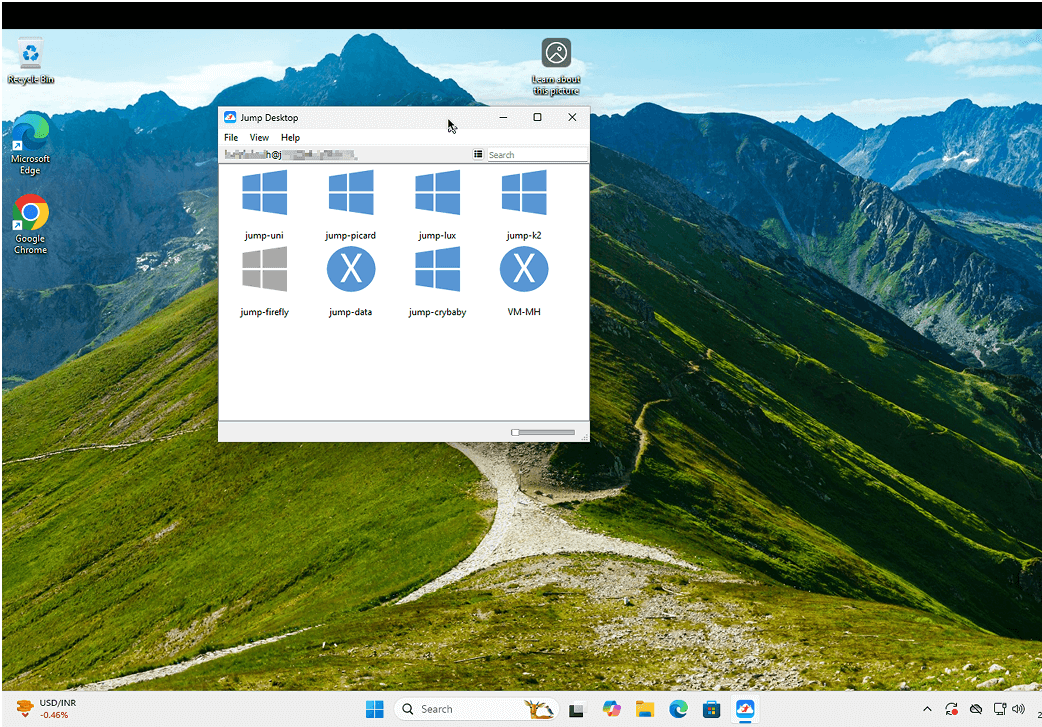


Instructions to get you started
-
Launch the app and click sign in
-
Sign in to your existing account or create a new account for free
-
In case you do not have any machines to remotely access, Click Automatic setup on the app to setup machines you want to remotely access
-
In case there are no machines added, please access this link from the remote machine you want to access: https://jumpdesktop.com/go
-
Choose the following option on the page: "I want to setup this machine for remote access from another machine/device"